Featured
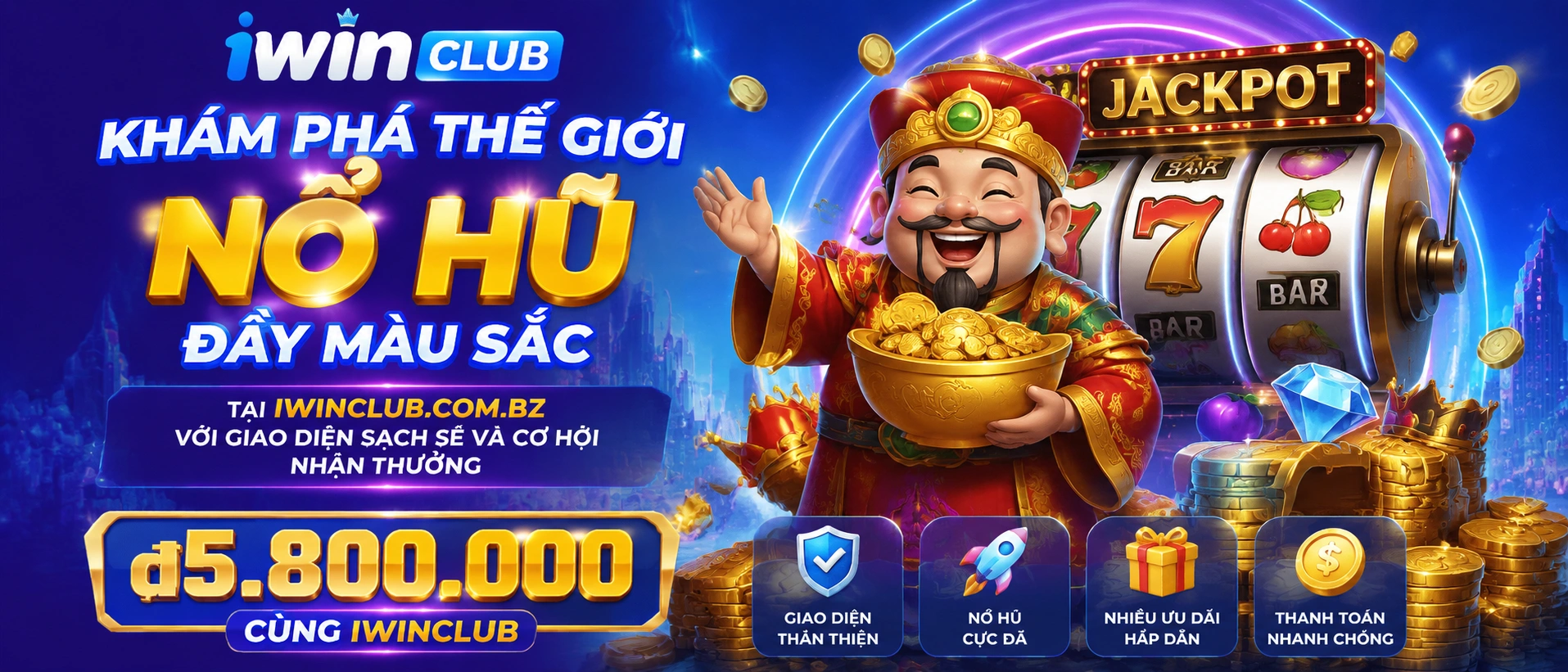
Jackpot Game
Easy-to-choose game group
Short descriptions let you know at a glance where to go.
Feature: clear badge, neat entry.
View Games



Entering the Jackpot area, you can immediately see a neat gameplay flow, quickly filter topics, browse through more than 100 games in a clear sequence, and enjoy local payment methods and a phone-friendly interface. Experienced players will like being able to choose right away.

A commercial display frame for new users, quick to read, and takes you straight to the categories. Suitable for players already used to the pace, who want to see games and promotions in one screen.
A neat category layout, suitable for quick selection. No need to scroll too deep.
ExploreClearly grouped so you can view games by taste, pace, and screen.
View GamesSuitable for players who like slots and prefer opening the category and choosing right away.
View DetailsHighlights the game area with large reward rhythms and easy-to-read display.
ExperienceSeparates featured items so players do not get confused.
ExploreThe phone opens smoothly, the controls are neat, and it’s easy to tap the right item.
View Apps
Short descriptions let you know at a glance where to go.
Feature: clear badge, neat entry.
View Games
Suitable for users who want to enter a category and switch screens right away.
Feature: optimized for tapping.
Experience
Clear presentation, so you don’t have to guess which item fits.
Feature: easy-to-read layout.
ExploreThe offer panel is placed right next to the category so players can view it before entering the game. No clutter. No long searching.
Note: promotion content is displayed according to the site’s commercial area; please check the actual conditions on the system.
Priority is given to large, clear numbers, ideal for users who need to make a quick decision.
Promotions go together with the Slot area, keeping the experience seamless.
Grouped by game type, reducing the time spent searching through menus.
Dark background, bright highlights, easy to view on mobile.
Compact cards, fewer extra words, fast section switching.
No need to zoom; tap to go to the area you want to view.
Emphasize secure connections and personal data.
Encourage users to review the information carefully before joining.
Convenient transactions within the system, without pushing users through too many steps.
Prioritize data protection layers and limit leaks of sensitive information.
Keep the login experience streamlined and controlled.
Change sections, change games, change badges clearly.
Slots, jackpots, themed games, separated into easy-to-view sections.
Not text-heavy, and does not overwhelm players.
Desktop, tablet, and mobile all keep a stable layout.
Responsive Design, easy to scroll, easy to tap, and no horizontal overflow.
Opening on a standard device still keeps the category browsing flow stable.
If you use an iPhone, the card layout still stays neat and easy to use.
Number of games in the Slot area
Main category groups
Original image is kept unchanged
Dedicated Slot page
Categories are clearly divided, reducing the time needed to find a game.
Each card has a short description, enough to decide.
Fewer text layers, more breathing room, easier to follow.
The slot and jackpot game category area is neatly arranged for quick selection.
Includes Online Slot, Slot Game, Jackpot Game, and themed groups.
Yes. The interface is optimized for mobile and touch actions.
Use badges, short descriptions, and category groups to filter quickly.
The category area is presented in a way that is easy to update and easy to regroup.
Prioritize safe transactions, protect information, and keep actions streamlined.
The page emphasizes data security and account access control.
Tap the Register button to go to the system registration page.
Go to the Contact section or check the FAQ for suitable guidance.
Go straight to the category, view the games, then choose the section that fits your vibe.